One calm app for your whole day.
Six tabs that cover your day, your money, your goals and your thoughts. Here is what each one does.
Routines that become habits
Build the small daily things that add up.
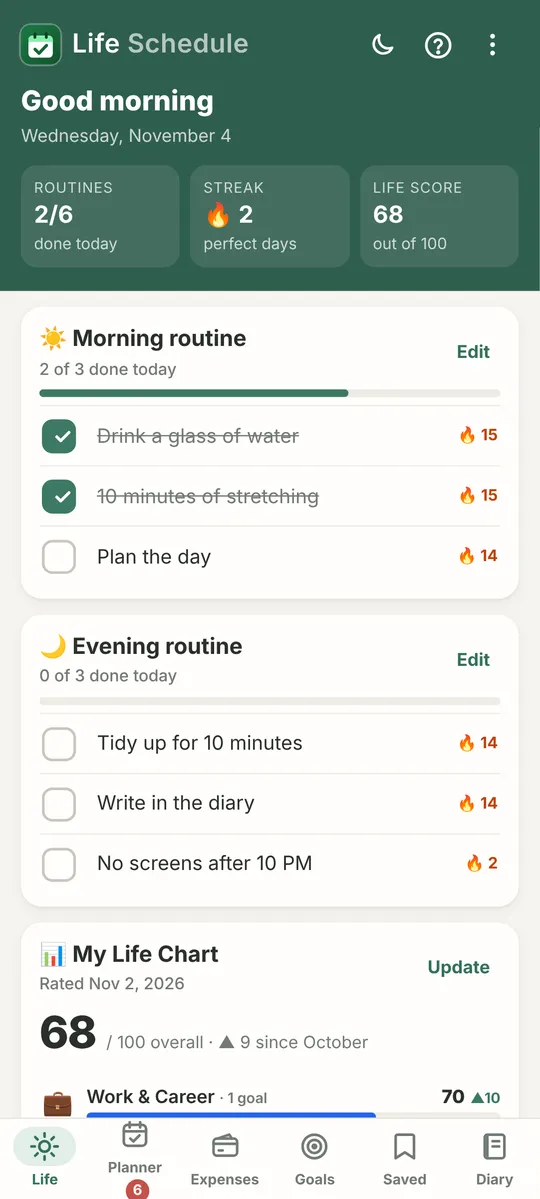
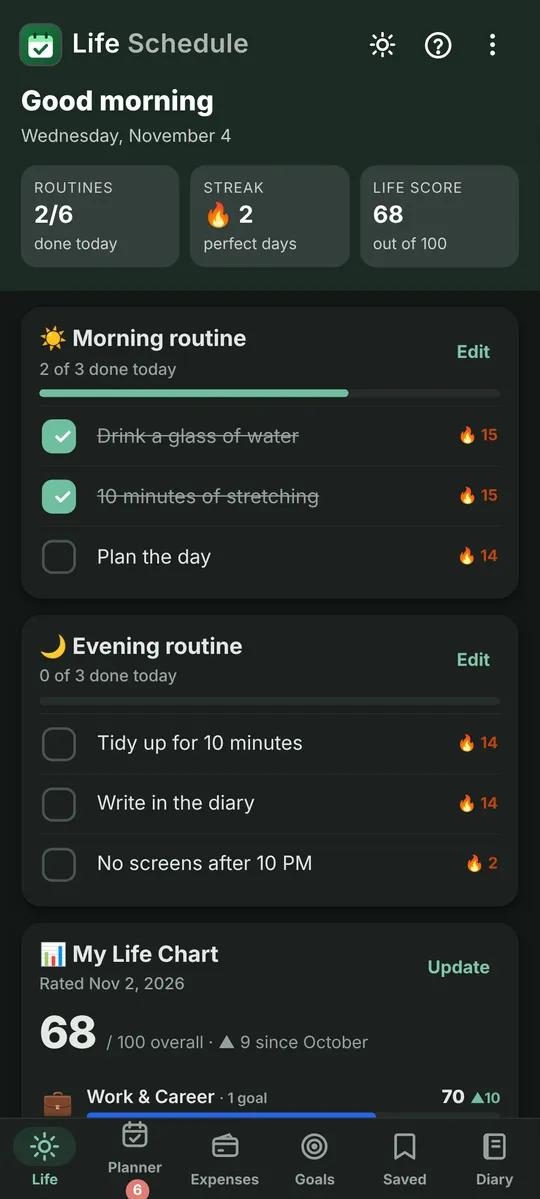
- A morning and an evening routine you tick off each day
- 🔥 Streaks for every routine item, and a “perfect day” when you tick them all
- The Life Chart: rate Work, Health, Money, Faith and Growth once a month and watch your score change
- Optional routine reminders that stop once everything is ticked
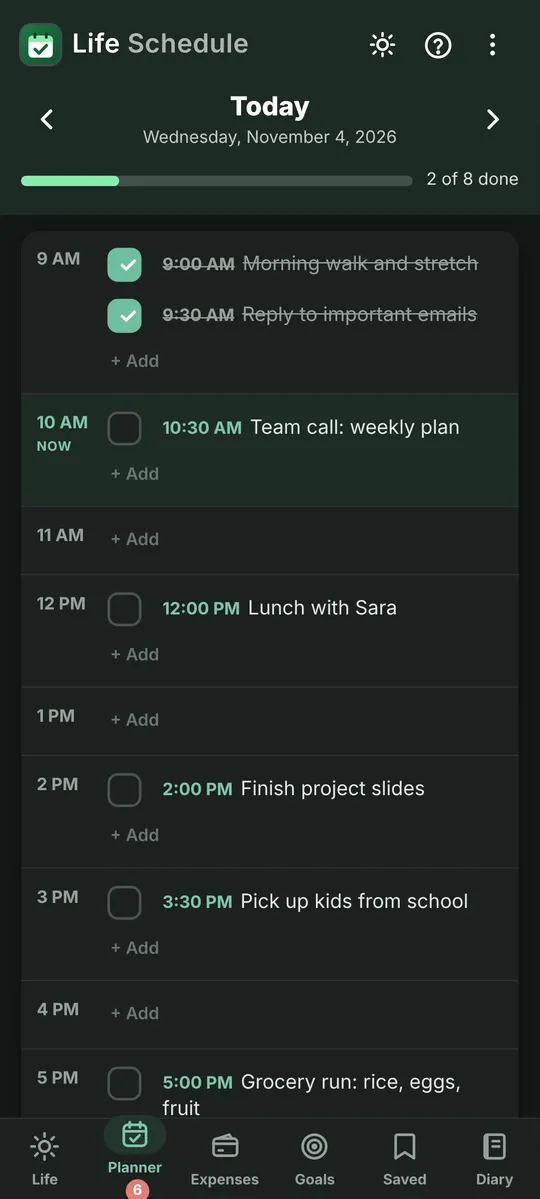
Your day, hour by hour
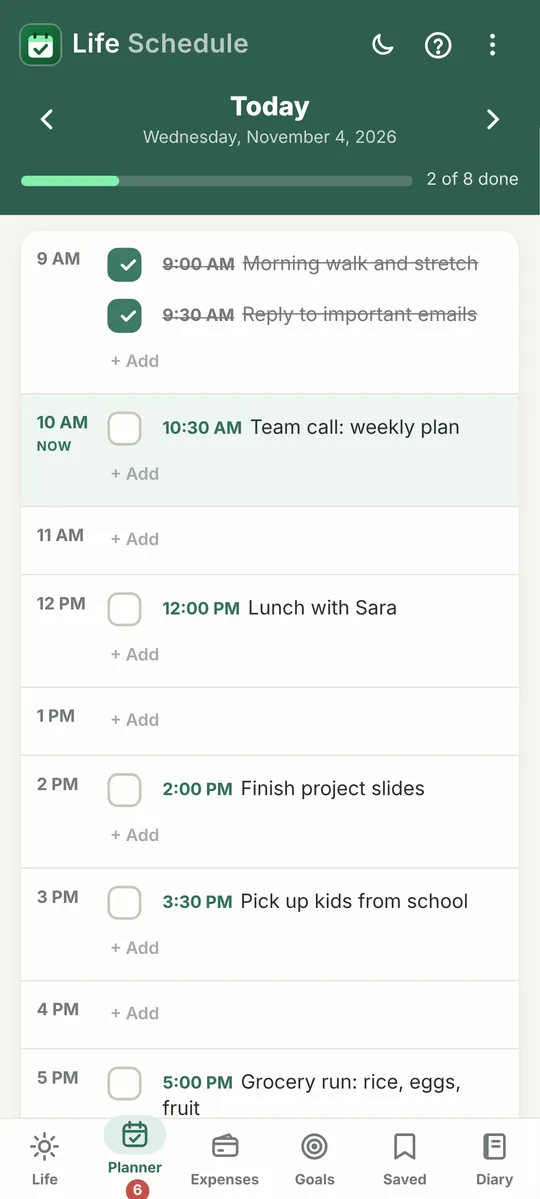
See the whole day at a glance and fill each hour on purpose.
- A slot for every hour of the working day, with a friendly analog clock for picking times
- Unfinished tasks carry over to tomorrow so nothing gets lost
- Reminders on any task, repeating every 1 to 6 hours if you like
- “Keep reminding until done” and “Ring like an alarm” for the important ones
- Done and Snooze right from the notification, plus an optional hourly summary of open tasks
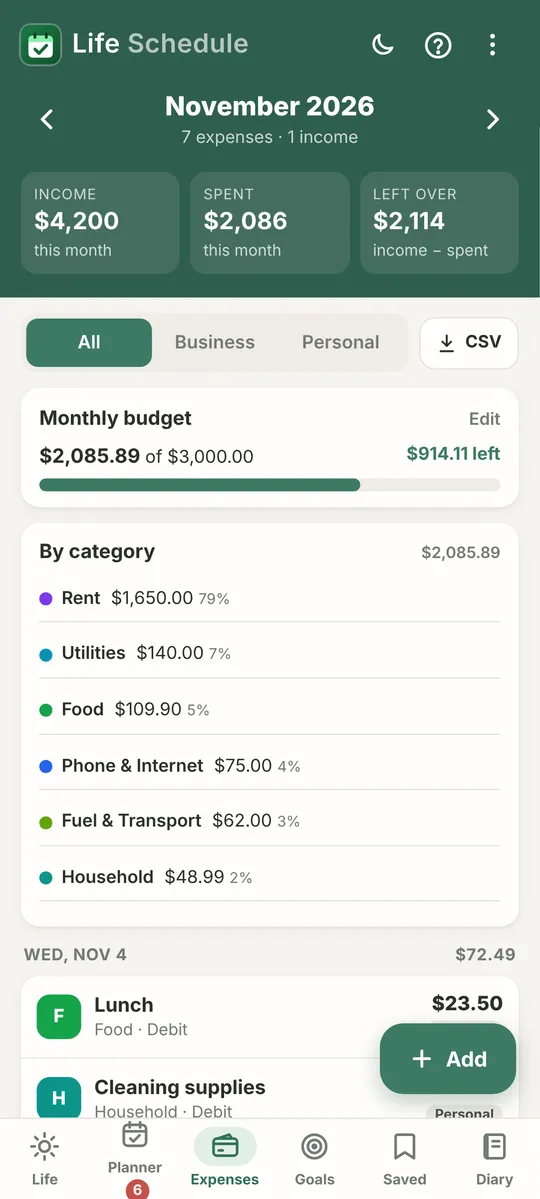
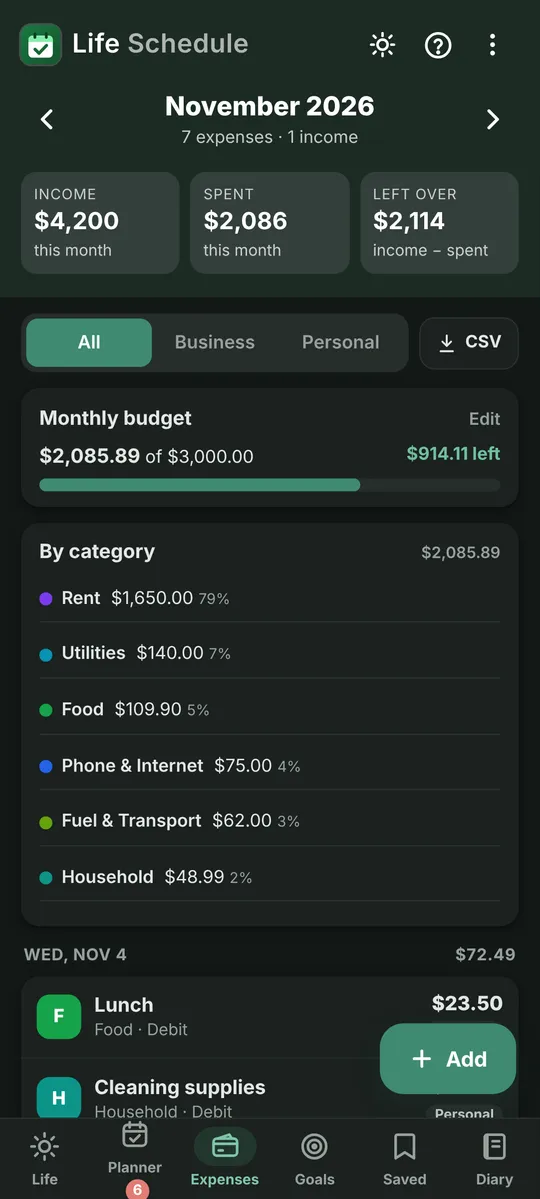
Know where your money goes
Simple money tracking without bank links or sign-ups.
- Record income and spending in seconds
- Set a monthly budget and see what’s left
- Monthly repeats for rent, bills and subscriptions
- Export to CSV to open in any spreadsheet
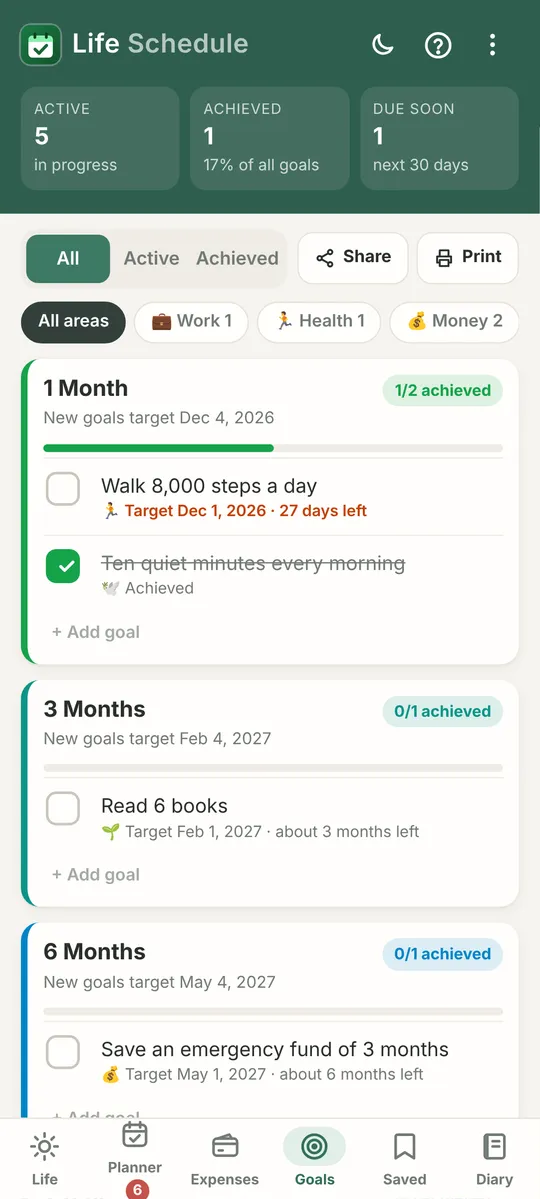
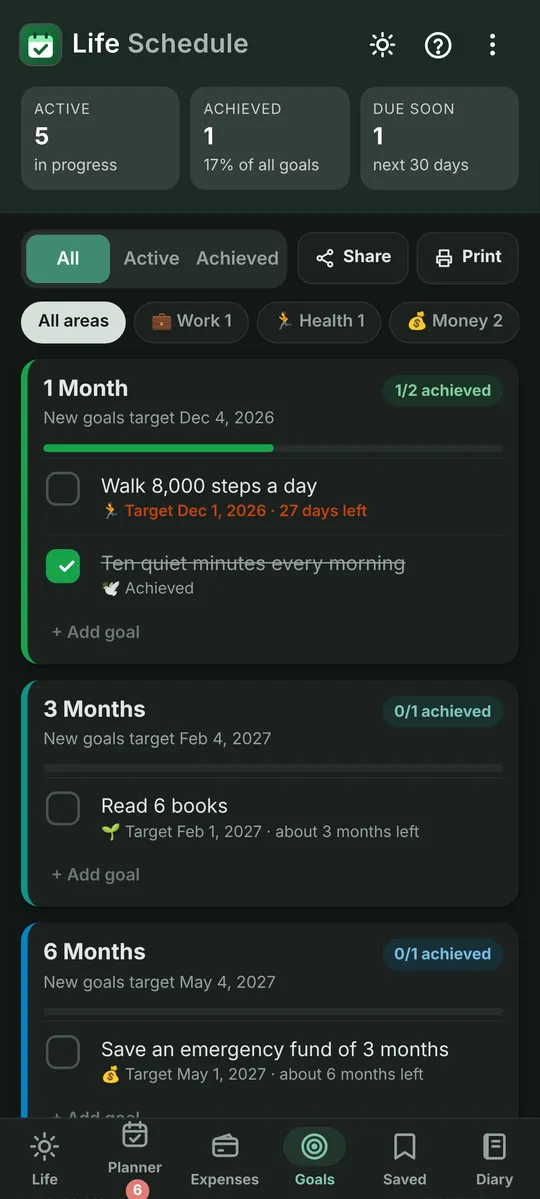
From one month to ten years
Turn big plans into steps you can see.
- Goals on timeframes from 1 month to 10 years, in each area of your life
- Ready-made templates to get started fast
- Check-in reminders on the days you choose
- Share a goal with someone who keeps you on track
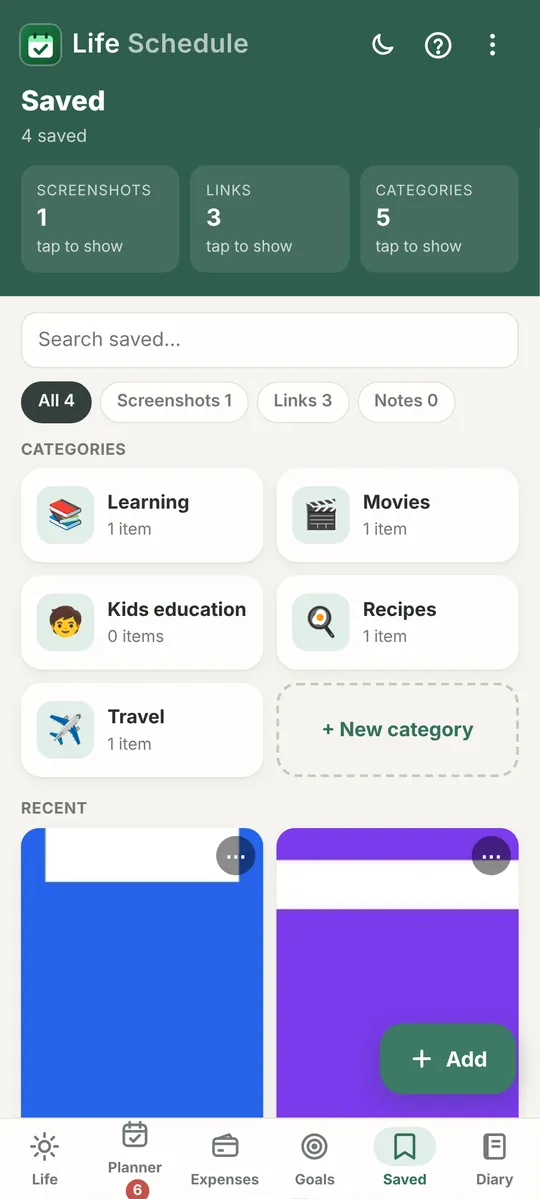
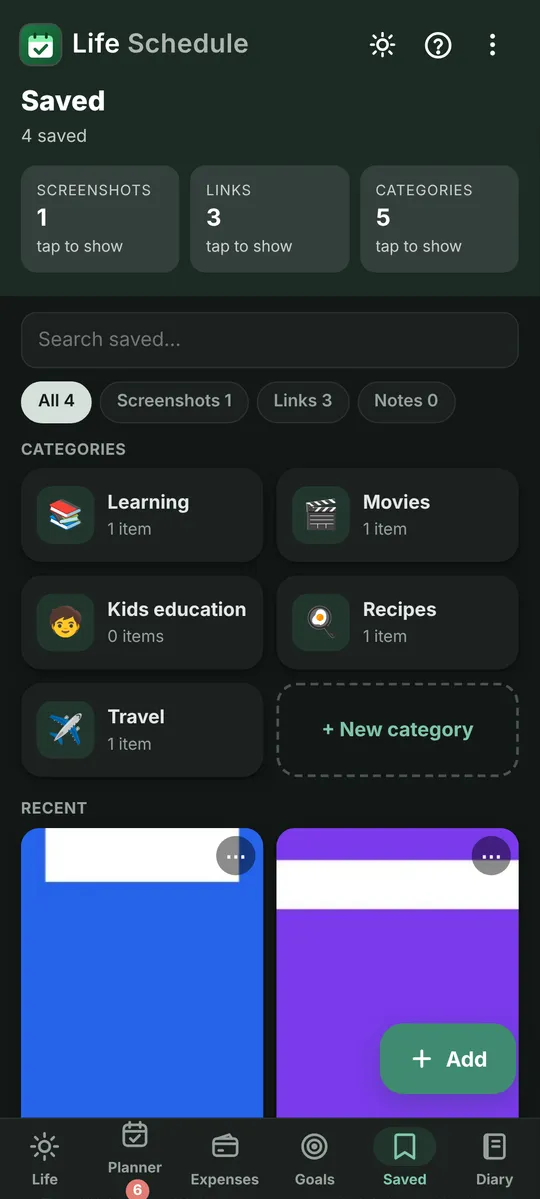
Screenshots, links and notes, sorted your way
Stop losing the things you meant to come back to.
- Save screenshots, links and short notes in one place
- Make your own folders: Learning, Movies, Recipes, anything you like
- Share straight in from your browser, social apps or gallery
- Links keep their preview picture so you recognise them
- Search everything you’ve saved
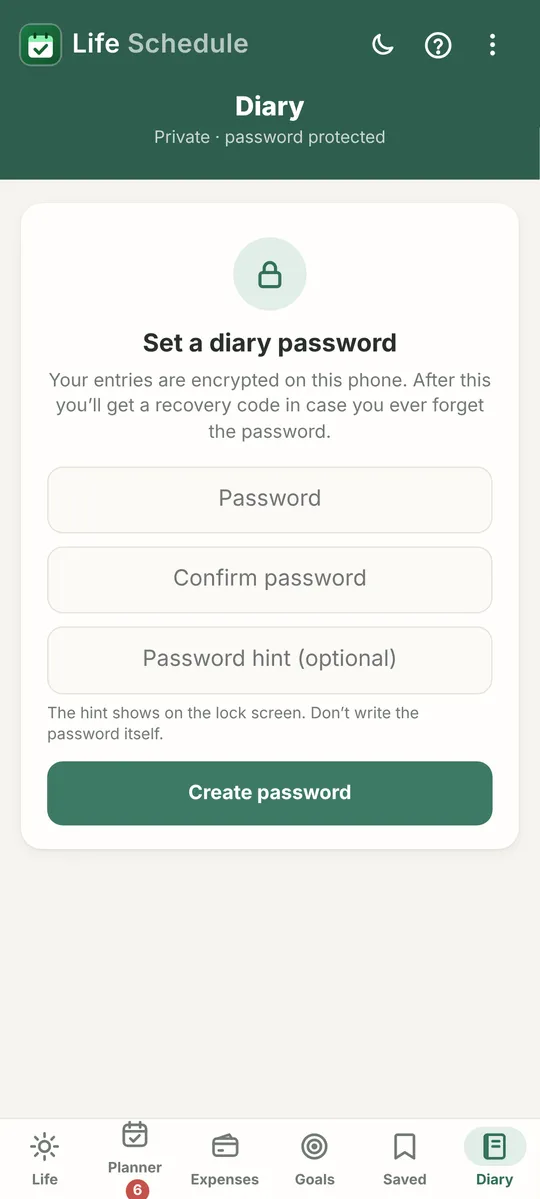
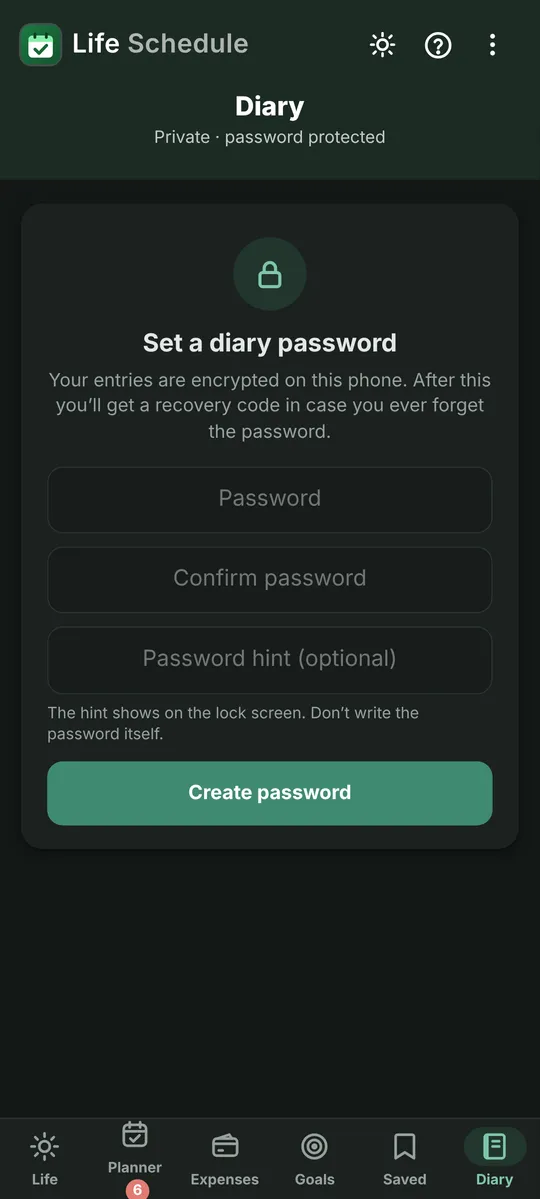
Private by default
A journal only you can open.
- Encrypted on your phone with your own password
- Unlock with your fingerprint
- A recovery code in case you forget your password
- A box for every hour of the day, plus notes for the whole day
- Print or save as PDF, share a single page, and set a daily writing reminder
The small things that make it yours.
Fingerprint lock
Lock any tab you choose, not just the diary
6 languages
English, Chinese, Hindi, Spanish, Arabic and Urdu, with right-to-left layouts
Light, dark or auto
Soft colours chosen to be easy on the eyes, day or night
Built-in help
Ask the in-app helper a question, even offline
Backup and restore
Save everything to a file and restore it on any phone
Tiny and fast
Under 1 MB, Android 7.0 and later


Start planning a calmer day.
Free · Android 7.0 and later · Works offline · No account needed
Version 2.7 · 241 KB · How to install